


AOC 4K USB Webcam for Meetings and Streaming
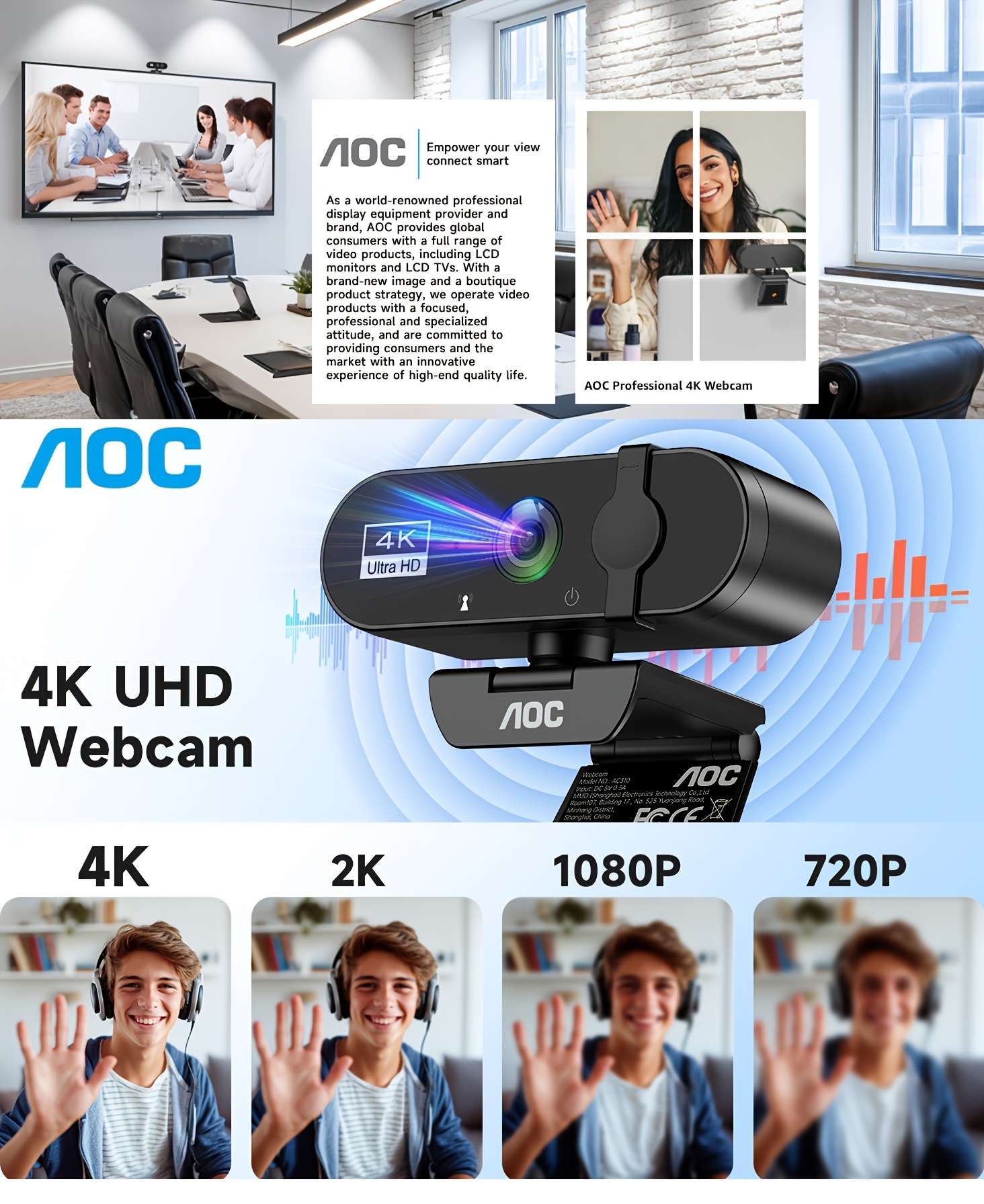
Build a dedicated video-call setup with this AOC webcam in Starry Black. The original listing names 4K resolution, a microphone, noise cancellation, a privacy cover, a 99° field of view and plug-and-play USB connectivity for laptop and PC use.
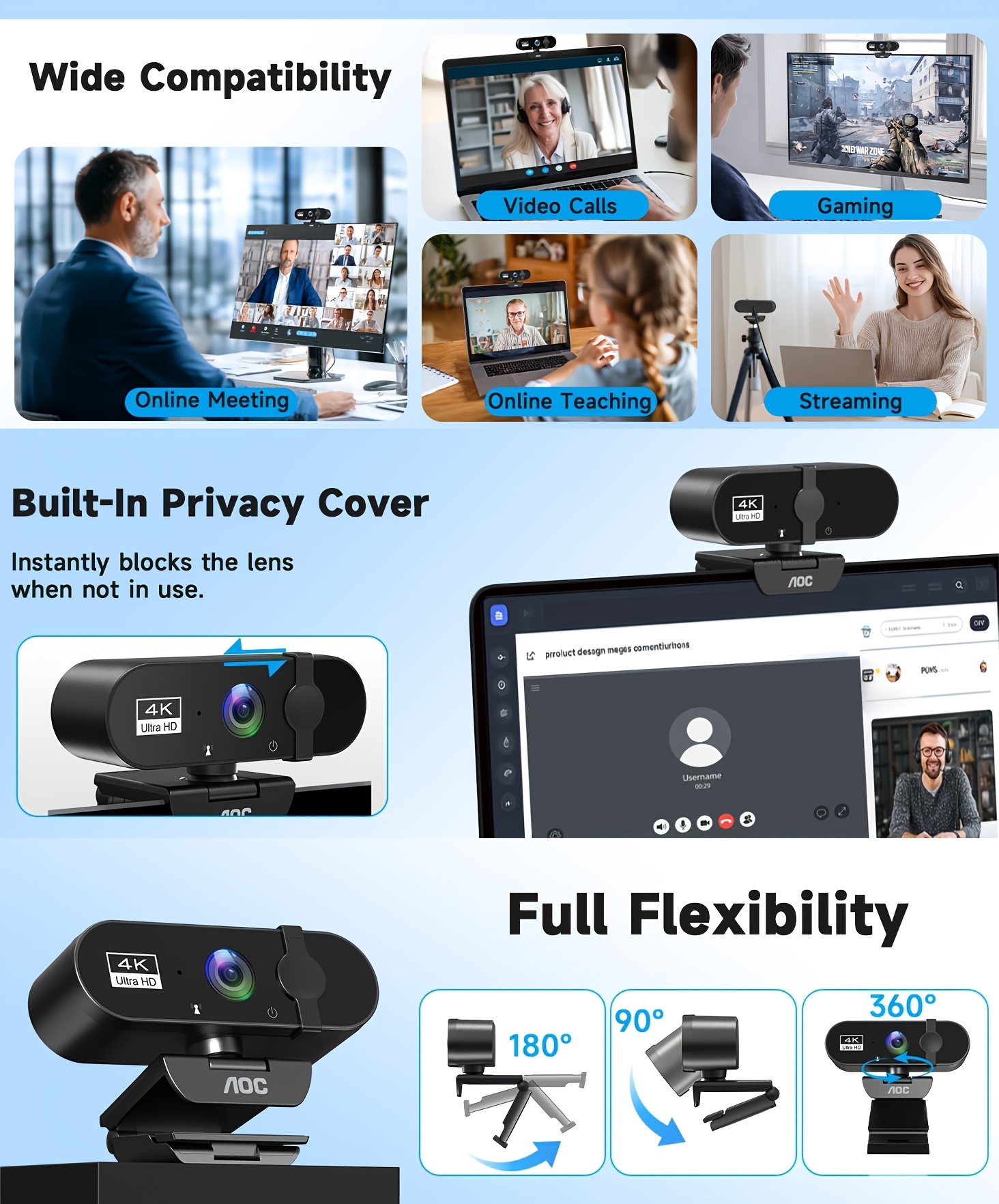
Picture settling into your desk before a morning meeting, framing your workspace and selecting your camera in the calling app. When the session ends, the listed privacy cover gives you a physical way to cover the lens.
Key Features
- 📷 Listed 4K resolution: A higher-resolution camera option for supported setups; actual call resolution depends on your software, settings and connection.
- 🎙️ Microphone and noise cancellation: Both are named in the source title. Microphone count and noise-reduction performance are not specified.
- 🔒 Privacy cover: Cover the lens when not in use; this does not establish microphone muting or software security.
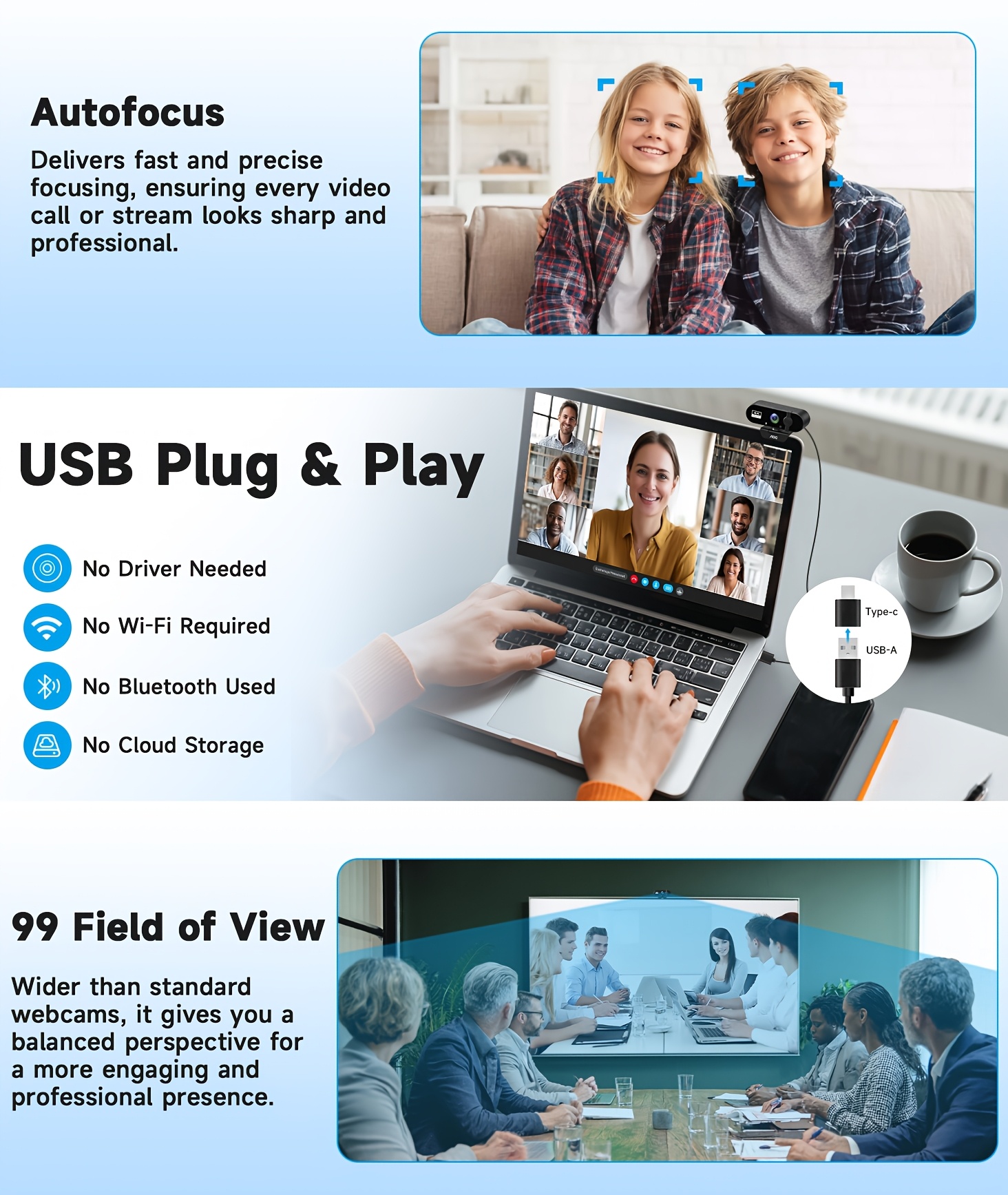
- 🖥️ 99° field of view: A listed wider view for desk-based framing. The measurement axis is not specified.
- 🔌 USB plug-and-play design: Connect to a compatible computer and select the device in supported software.
Specifications
| Brand named in title | AOC |
|---|---|
| Product type | USB webcam |
| Color option | Starry Black |
| Listed resolution | 4K; frame rate and exact pixel dimensions not specified |
| Listed field of view | 99° |
| Audio | Microphone with noise cancellation wording |
| Privacy feature | Lens cover |
| Connection | USB; connector type and USB version not specified |
| Setup | Plug-and-play wording in original title |
| System requirements | Supported operating systems and software versions not specified |
| Mounting and accessories | Exact mounting design and package contents not specified |
Frequently Asked Questions
Q: Who is this webcam suitable for?
A: It is an option for adults preparing laptop or desktop setups for remote work, video calls and streaming. Check the computer connection, operating system and software requirements before purchasing.
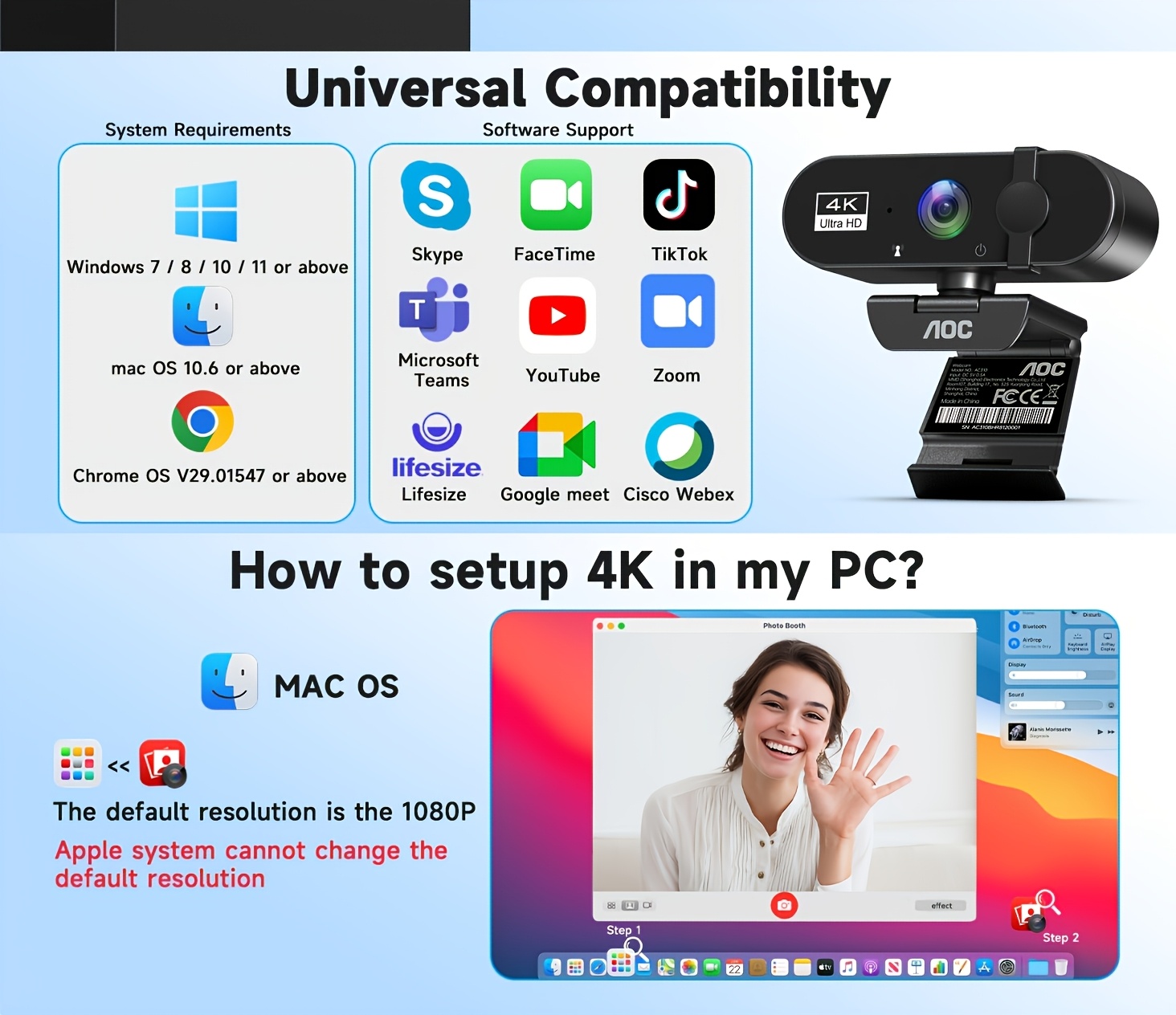
Q: Can I use it with Zoom, Skype or FaceTime?
A: Those services are named in the original title, but supported operating systems and app versions are not documented. Confirm that your chosen application and computer accept this USB camera. A 4K camera specification does not guarantee 4K transmission in every app.
Q: Is it a good birthday or holiday gift for a remote worker?
A: It can be a practical desk accessory for someone who makes video calls or streams. Check their existing setup, available USB ports and preferred camera features first.
Q: How do I start a video call and use the privacy cover?
A: Connect the webcam to a compatible USB port, then select its camera and microphone in your application. Adjust framing and lighting as needed. Close the lens cover after use; mute or disconnect audio separately when required.
Q: Are a tripod, remote or USB adapter included?
A: The available title confirms a microphone and privacy cover but does not define the full accessory bundle. A tripod, remote, adapter, cable length, autofocus and optical zoom are not confirmed.
Q: Is this a STEM kit or a learning toy?
A: No STEM kit or toy function is listed. It is a computer camera that may support online lessons on a compatible setup, not a standalone educational device.
Product Images


Fast US Shipping
Ships from US warehouse, free delivery 2-7 business days